








Introduction
Spectrum router blinking red is something most of us notice at the worst possible time. Maybe you’re about to join a Zoom meeting, stream Netflix, or finish some office work and suddenly the internet drops. You look at the router and there it is… that small red light flashing like a warning sign. Super frustrating, right?
The good thing is, this problem usually isn’t as serious as it looks. In many cases, it’s just a loose cable, a small glitch, or a temporary outage. You don’t always need a technician. With a few simple checks, you can often fix it yourself in minutes.
Why does the Spectrum router blinking red happen?
There isn’t just one reason. A few small things can cause it.
Spectrum service outage
Sometimes the issue isn’t even inside your home. Spectrum’s service might be down in your area due to maintenance or technical problems. When their network goes offline, your router has nothing to connect to, so it starts blinking red. In this case, honestly, waiting is the only fix.
Loose or damaged cables
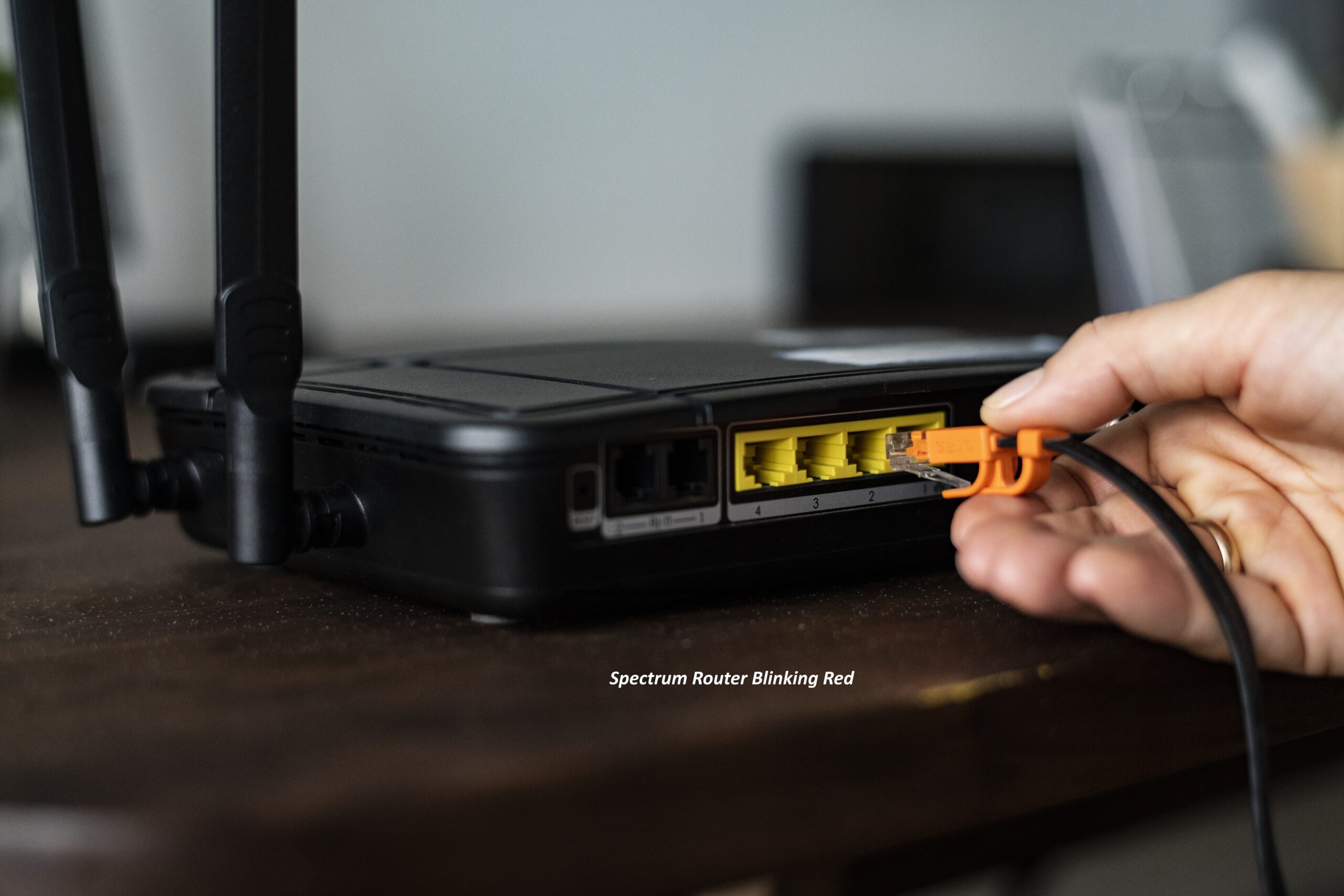
This one happens more than people think. Maybe you moved the router while cleaning or someone accidentally kicked a wire. Even a slightly loose cable can break the signal. Once the connection drops, the red light shows up almost immediately.
Modem not syncing
Your modem needs to “talk” to Spectrum first before the internet starts working. If that sync doesn’t happen, data simply can’t pass through. The router then shows the red light because it’s stuck without a connection.
Router getting too hot
Routers aren’t fans of heat. If they’re kept inside a cabinet or covered with stuff, they overheat. When that happens, performance drops and random disconnections start. Sometimes the only sign you see is that blinking red light.
Old firmware or small bugs
Just like phones and laptops, routers also need updates. Old software can cause weird issues slow speeds, drops, or connection errors. Updating the firmware can surprisingly

Things you should try first (before calling support)
Don’t panic and don’t call customer care immediately. Try these quick fixes.
Restart everything
Yes, the classic “turn it off and on.”
It sounds silly, but it works most of the time.
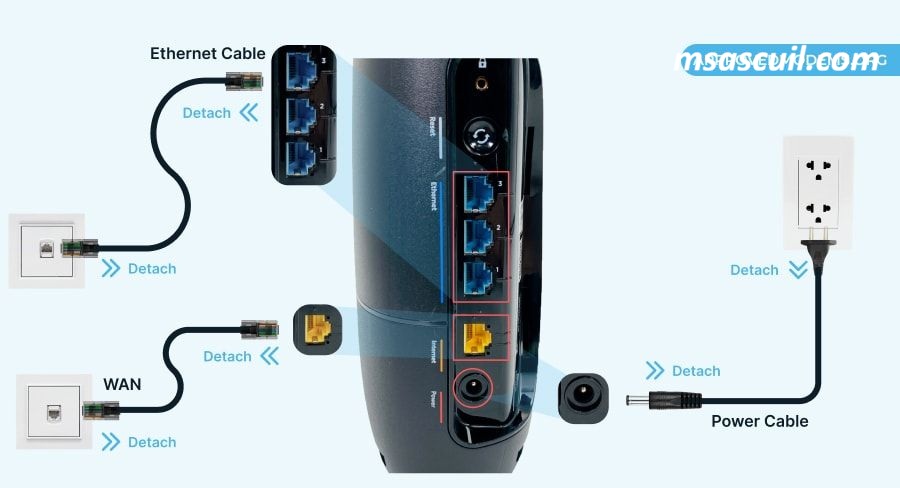
Unplug modem + router.
Wait 2–3 minutes.
Plug modem first.
Then router. This refreshes the connection completely.
Check all the wires
Take one minute and look behind the router.Make sure:
- nothing is loose
- nothing is broken
- cables are pushed in properly
A tiny loose wire can cause the whole problem.
Check for Spectrum outage
Open the Spectrum app or website and check service status. If there’s an outage, relax it’s not your fault. Just wait until they fix it.
Reset the router
Still stuck? Press and hold the reset button for about 10–15 seconds.It wipes old settings and gives the router a fresh start. Many times, this alone fixes the spectrum router blinking red issue
When should you call Spectrum?
If you’ve tried everything and nothing works, then yeah time to call them. Especially if:
- the red light stays for hours
- internet keeps dropping daily
- cables are fine but still no connection
- router is very old
They might replace your router or send a technician.
How to avoid this in the future
A few small habits can save you from this headache again.
Keep the router in an open area.
Don’t cover it.
Restart once a week.
Update software sometimes.
Use good quality cables. Simple stuff, but it really helps

Conclusion
Seeing your spectrum router blinking red can feel stressful, especially when you urgently need internet. But most of the time, it’s something small and totally fixable. A restart, a cable check, or a quick reset usually does the trick.


